2 Player Duel Games
Play 2P Duel free in your browser. No download or account needed.
- Solo
- 2 on one screen
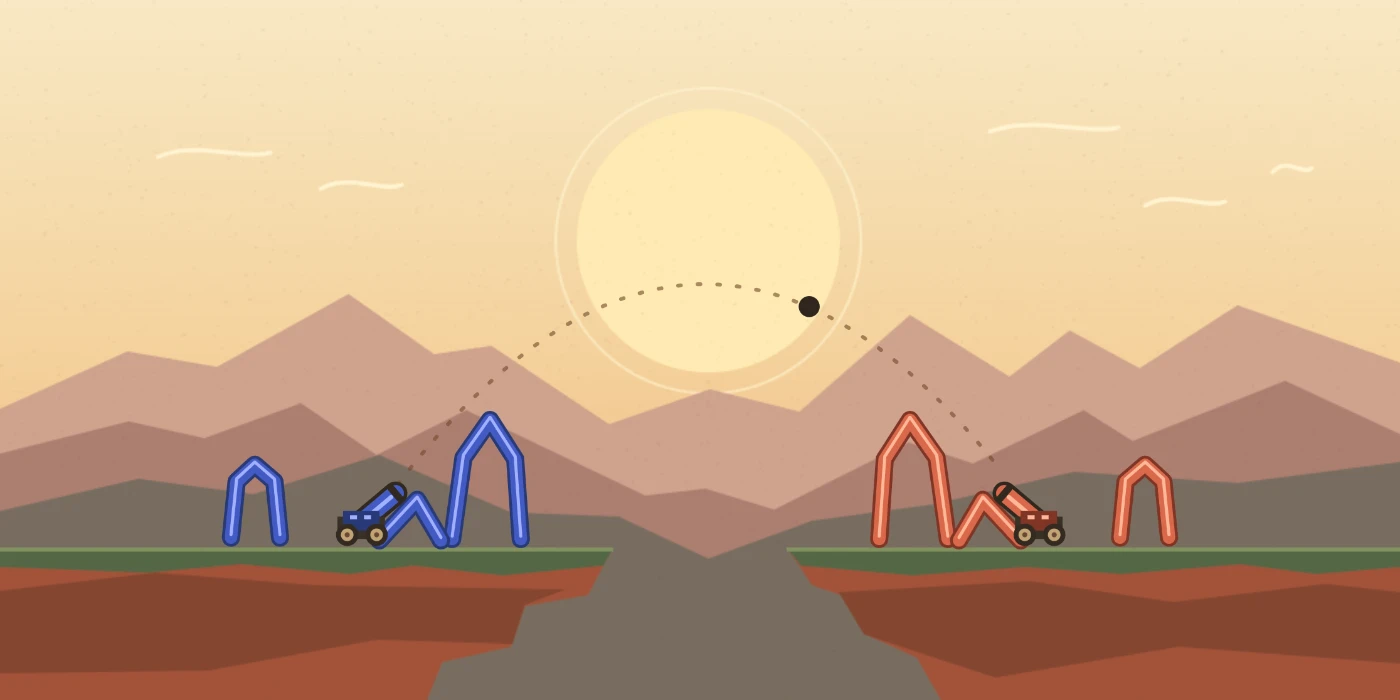
Draw a fort, aim your cannon, and outlast the other side.
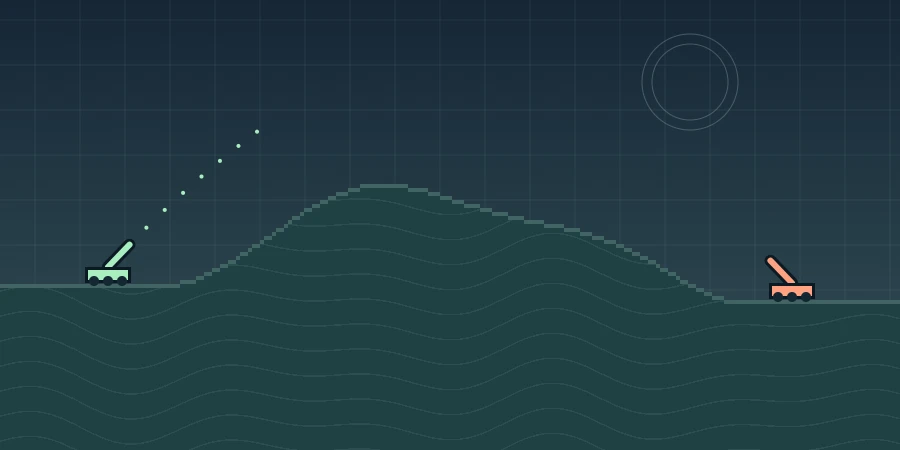
Read the wind, lob shots over the ridge, and crater the ground under a cannon.

Time one-button dashes and push your rival off a shrinking ring.
2 Player Physics Games
2pduel.com is the official home of 2P Duel, a free browser game about building forts and knocking them down. Sketch your defenses in 30 seconds, place your cannon, and trade shots with a friend on the same screen or practice against the CPU.
The parts you draw have weight. A well-supported fort can protect your cannon, while a broken support can bring it down. You can play with touch on a phone or tablet, or use a mouse on a computer.
Browse the two-player games for same-device play or the physics games for challenges built around motion, weight, and impact.
How to play 2P Duel
-

Draw a fort and place your cannon
Draw supports in the marked zone with a mouse or a finger. Select Place cannon, click or tap the ground or a supported ledge, then choose Ready. On phones held upright, the view zooms in on your side while you build.
-

Aim and trade shots
Drag the Angle and Power sliders to adjust the dotted guide, then choose Fire. In 2 Players, pass the same device when the other side's turn begins. To win, take out the opposing cannon with two direct hits, make it fall, or knock out its defenses.
2P Duel FAQ
Where can I play 2P Duel for free?
Play the official 2P Duel here on 2pduel.com. Choose Play 2P Duel to start in your browser. Solo and local two-player are both free, with no download, account, or payment required.
Can I play 2P Duel on iPhone or Android?
2P Duel has touch controls for mobile browsers. Open the game on your phone, draw with your finger, and use the on-screen Angle, Power, and Fire controls. In portrait, the arena zooms in on your half while you build, then shows both forts when battle begins.
Can I play 2P Duel with a friend?
Choose 2 Players to take turns on one shared phone, tablet, or computer. Multiplayer is local. A friend on another device can open the game link and start a separate match. Choose Play vs CPU to practice on your own.
How do I play my first round?
Pick a mode, then spend up to 30 seconds drawing a fort and placing your cannon. You can choose Starter fort to get going quickly. Select Ready and take turns firing at the opposing fort and cannon.
See the full rules and controlsHow do I aim and fire the cannon?
Set Angle and Power with the sliders, use the dotted line to judge the start of the shot, then select Fire. On desktop, you can press Space when the arena has keyboard focus. On a phone, drag the sliders and tap Fire.
What helps me win more rounds?
Build a wide base and put the cannon on the ground or a supported ledge. If a shot falls short, raise Power a little. If it flies past, lower it. Aim for a support to drop the cannon or land two direct hits.
How do I play 2P Duel in fullscreen?
After starting the game, select Fullscreen below the arena. Press Esc on a computer or use your browser’s fullscreen exit control to return to the page. If your mobile browser doesn’t offer fullscreen, turn your phone sideways for a wider view.
Does 2P Duel save my score when I refresh?
No. Rematch keeps the score while the current game is open. Refreshing the page resets the score and the current round. To keep a record, choose Copy score on the results screen before leaving.
What if 2P Duel gets stuck loading?
Refresh the page, then try a private window or a different up-to-date browser. If this page opens but the player is stuck, try opening the arena directly. For a site-wide loading error, try another network and note the exact message.
Open the arena directly
Arena notes
Which fort shape held up best in your duel? Share a tip.